
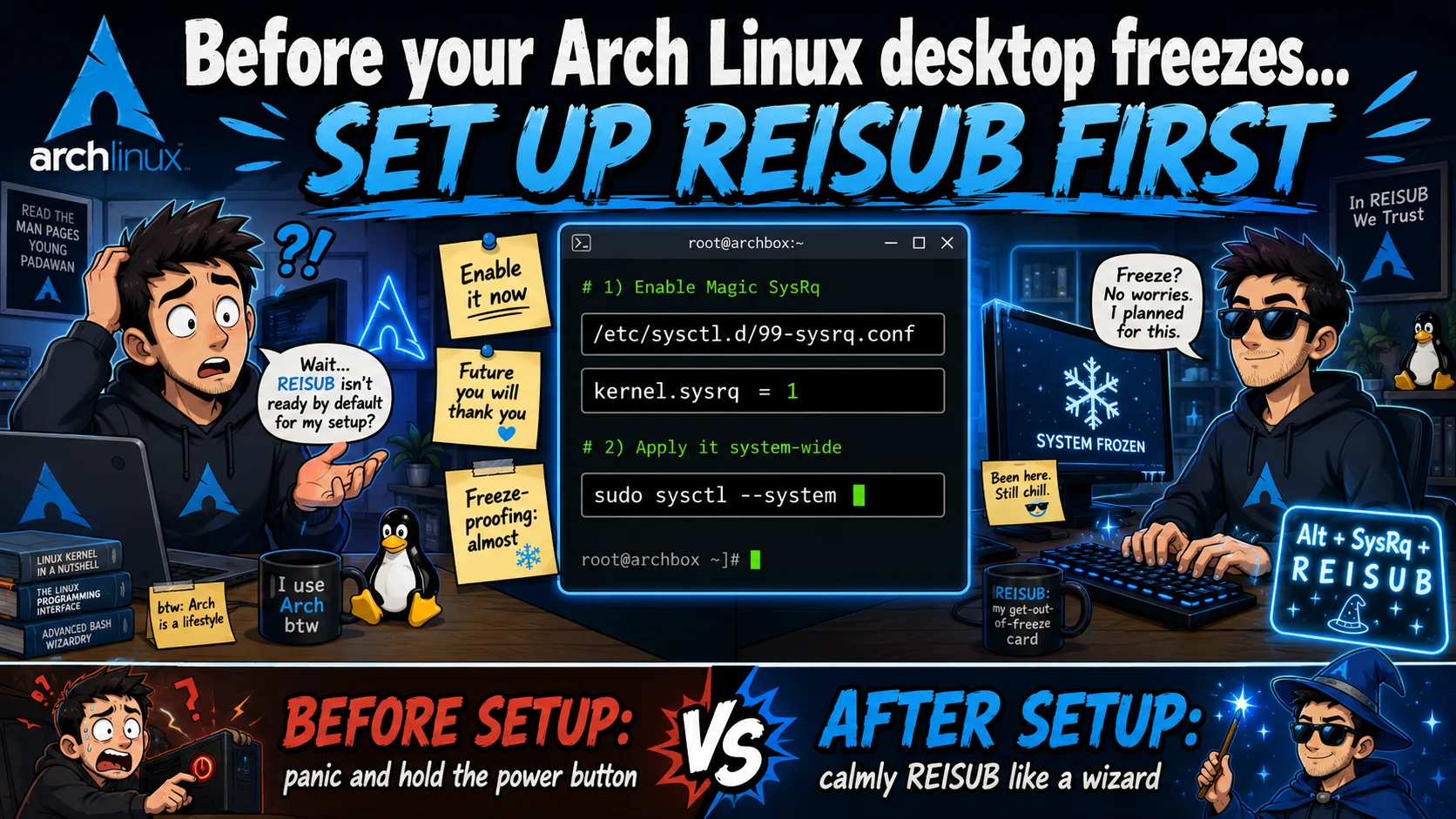
Enable REISUB on Arch Linux
Magic SysRq ships mostly disabled on Arch. Here's how to enable REISUB so you can reboot cleanly out of a freeze instead of murdering your machine with the power button.
If you’ve used Linux long enough, you’ve hit a hard freeze. Mouse stuck, keyboard dead, Ctrl+Alt+F2 does nothing. Usually NVIDIA’s fault. Sometimes GNOME on Wayland. Sometimes just an unlucky kernel.
Your instinct is to hold the power button. Don’t. The kernel has a safer escape hatch baked in: Magic SysRq, and the REISUB sequence.
The catch on Arch: it’s disabled by default. Here’s how to fix that.
What is REISUB?
REISUB is a mnemonic for six Magic SysRq key presses. You hold Alt + SysRq (the Print Screen key on most keyboards) and tap each letter in order:
| Key | Stands for | What it does |
|---|---|---|
| R | unRaw | Take keyboard control back from X/Wayland |
| E | tErminate | Send SIGTERM to every process (graceful) |
| I | kIll | Send SIGKILL to every process (forceful) |
| S | Sync | Flush all data to disk |
| U | Unmount | Remount all filesystems read-only |
| B | reBoot | Reboot immediately |
The point is that all of this happens inside the kernel, completely below your desktop environment. So when GNOME Shell, Mutter, the NVIDIA driver, X/Wayland, or whatever other cursed piece of shit has your PC tied up and useless, the kernel can still hear you — unlike Winshit or Macrash.
When you actually need this
Real-world freezes I’ve watched people hit:
- NVIDIA driver hangs.
nvidia-drmdeadlocks after suspend/resume, or after a Vulkan/CUDA workload faceplants. Screen frozen, GPU unresponsive. - GNOME / Mutter wedges. Especially on Wayland with mixed-refresh-rate monitors, fractional scaling, or that one extension you forgot you installed.
- OOM storms. The OOM killer is famously not in a hurry. The machine thrashes swap for minutes before coming back.
- Filesystem stalls. A hung NFS mount, a dying SSD, or a USB drive that timed out can lock anything touching I/O.
- Kernel regressions. It happens. Especially on a rolling release.
REISUB gets you out of any of these cleanly. The alternative is the power button, which earns you:
- Filesystem corruption (ext4 and btrfs both have opinions about being cut off mid-write).
- Lost work in unsaved buffers.
- A long
fsckon next boot, or a journal replay that doesn’t quite recover.
Why it’s off by default on Arch
Two things are working against you.
First, the kernel itself. Arch ships its kernel with CONFIG_MAGIC_SYSRQ_DEFAULT_ENABLE=0x0, so SysRq is off the moment it boots.
Second, userspace. /usr/lib/sysctl.d/50-default.conf (shipped by systemd) sets:
kernel.sysrq = 16That 16 is a bitmask, and it enables only S (Sync). The S in REISUB technically works. The R, E, I, U, and B do not. So on a fresh Arch install, REISUB does nothing you’d notice.
The bitmask, briefly
kernel.sysrq is 0 (off), 1 (everything on), or a sum of these bits:
| Bit | Meaning |
|---|---|
2 | Console log level control |
4 | Keyboard control (un-raw, SAK) |
8 | Process dumps |
16 | Sync |
32 | Remount read-only |
64 | Signal processes (term, kill, OOM) |
128 | Reboot / poweroff |
256 | Renice RT tasks |
Add what you want, or just use 1.
Is enabling it a security risk?
Kind of, but probably not for you.
What someone with physical keyboard access gains from kernel.sysrq = 1:
- Reboot or power off the machine instantly.
- Kill all your processes, which works around the lock screen if their goal is to ruin your session.
- Trigger a kernel crash dump or summon the OOM killer.
What they don’t gain:
- No code execution.
- No privilege escalation.
- No file reads or data exfiltration.
- No way past disk encryption. LUKS still asks for your passphrase on the next boot.
Realistic risk on a personal laptop: basically nothing. Anyone with physical access can already hold the power button, yank the plug, or boot from a USB stick. REISUB hands them nothing new.
For a single-user Arch box, 1 is the standard recommendation.
How to enable it
Drop a file into /etc/sysctl.d/ to override the systemd default.
sudo tee /etc/sysctl.d/99-sysrq.conf <<'EOF'
# Enable all Magic SysRq functions (REISUB available during freezes)
kernel.sysrq = 1
EOF
Apply it without rebooting:
sudo sysctl --systemVerify:
cat /proc/sys/kernel/sysrq
# 1
Done. It survives reboots and package updates because of how /etc/sysctl.d/ precedence works.
Trying it out
You can test that SysRq is wired up without rebooting anything:
echo t | sudo tee /proc/sysrq-triggerThen check dmesg. You should see a dump of every task’s state. If the output’s there, it’s working.
To rehearse the actual key combo, the safe letter is H (“help”). It just prints the list of available commands to the kernel log:
dmesg | tailHow to actually use REISUB in a freeze
When the system locks up:
-
Hold
AltandSysRq(PrtSc). Don’t let go. -
Tap each letter in order, about a second apart:
R → E → I → S → U → B -
The machine reboots cleanly.
Mnemonic: “Reboot Even If System Utterly Broken.” Or, backwards, “BUSIER.” Pick whichever sticks.
On laptops without a SysRq key
A lot of laptops bury SysRq behind Fn. So the combo becomes Fn + Alt + PrtSc while you tap each letter. Test with H first, so you know the exact chord on your specific keyboard before you need it in an emergency.
TL;DR — Arch ships Magic SysRq mostly disabled (kernel.sysrq = 16, sync only). One line in /etc/sysctl.d/ flips it to 1, and REISUB becomes your way out the next time NVIDIA, GNOME, or the kernel decides today’s the day.
Comments
Stay in the loop
New posts about Linux, debugging, and systems programming. No noise, no spam — just signal.